
Type beat cover art and thumbnails: 2026 size guide
Type beat cover art and YouTube thumbnails made simple: the right sizes from YouTube Help, what to put on them, free design steps, and the image rights to check.
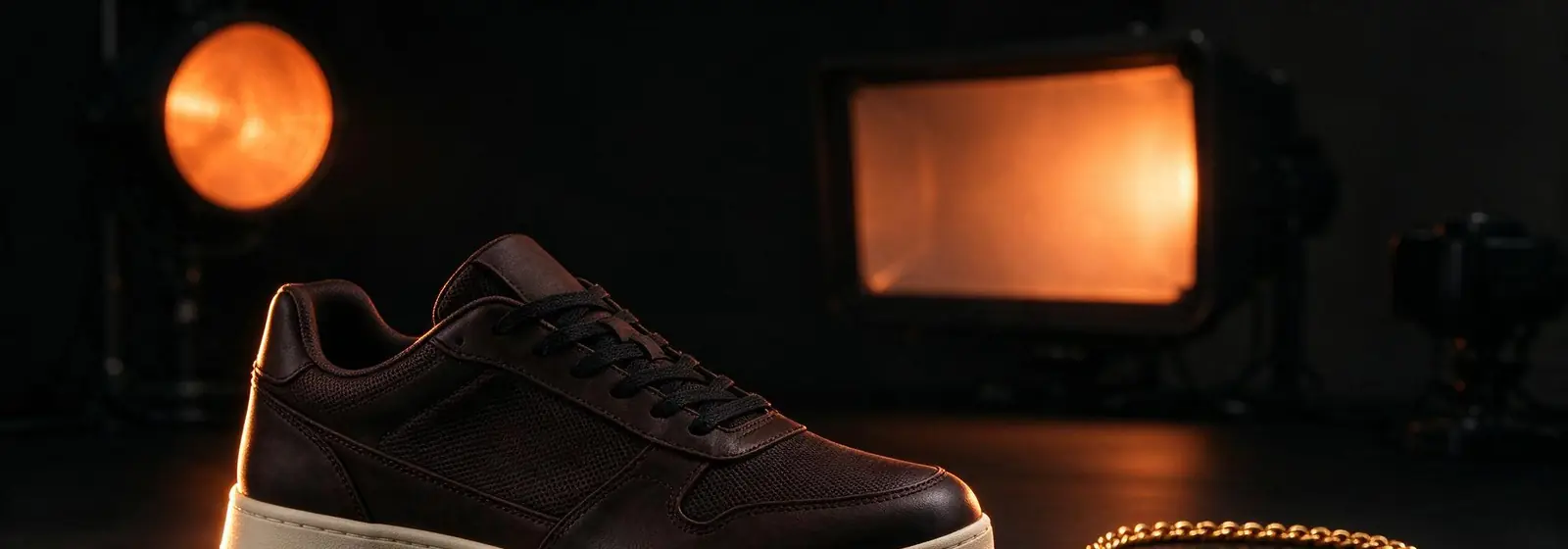
Type beat cover art is the square image that sits on your beat in a store and on its video. For YouTube, the thumbnail should be 16:9, at least 640 pixels wide, in JPG or PNG. Use one bold image, a short readable label, and pictures you made or have the rights to use.
On this page
Type beat cover art is the picture buyers see before they hear a note: the square image on your beat in a store, and the thumbnail on its YouTube video. Good cover art tells a rapper the mood of the beat in one glance and makes them click play. This guide gives you the exact thumbnail rules from YouTube Help, what to put on the image, and how to make one for free.
In short
- YouTube thumbnails are 16:9, at least 640 pixels wide, in JPG or PNG.
- One bold image and a short label beat a busy design on a small phone screen.
- Only use images you made or licensed. A famous artist’s photo is not free to use.
What is type beat cover art?
Type beat cover art is the image that represents one beat across your store, your videos and your social posts. In a beat store it is usually a square picture on the beat page. On YouTube, the same artwork often becomes the video background, and a thumbnail version sits in search results and suggestions.
Cover art does a job beyond looking nice. It signals the genre and mood before anyone listens. Dark, cold colours suggest drill or trap. Warm, grainy photos suggest lofi or boom bap. A rapper scrolling past fifty beats will stop on the one whose picture matches the song in their head.
Think of it as two sizes of one idea. The square cover is for stores and players. The wide 16:9 thumbnail is for YouTube. Designing one strong image that works in both shapes saves time and builds a look people recognise as yours.
| Store cover | YouTube thumbnail | |
|---|---|---|
| Shape | Square | Wide, 16:9 for videos |
| Where it shows | Beat page, player, playlists | Search, suggestions, channel page |
| Text on it | Little or none | A short, readable label |
| Job | Show the mood | Win the click |
What size should a YouTube type beat thumbnail be?
A YouTube type beat thumbnail should be 16:9 and at least 640 pixels wide, uploaded as a JPG or PNG. YouTube Help, checked on 8 Nov 2026, recommends a resolution of 3840 × 2160 pixels for videos. Shorts use the opposite shape: 9:16, with 2160 × 3840 recommended and a minimum height of 640 pixels.
File size has limits too. YouTube Help lists 2 MB for video thumbnails uploaded on mobile and 50 MB on desktop. If your file is too big for the phone app, export a smaller JPG or upload from a computer instead.
Custom thumbnails need a verified YouTube account. Without verification, YouTube picks a frame from your video, which for a type beat is often just your background image. YouTube Help also says custom thumbnails for Shorts can, for now, only be added in YouTube Studio on a computer.
| YouTube Help rule (checked 8 Nov 2026) | Videos | Shorts |
|---|---|---|
| Aspect ratio | 16:9 | 9:16 |
| Recommended resolution | 3840 × 2160 | 2160 × 3840 |
| Minimum | 640 pixels wide | 640 pixels tall |
| File types | JPG or PNG | JPG or PNG |
| Max file size | 2 MB mobile, 50 MB desktop | 50 MB desktop |
| Needs a verified account | Yes | Yes |
Worked example. A 1920 × 1080 image is exactly 16:9 (1920 ÷ 16 = 120, and 120 × 9 = 1080). It is well above the 640-pixel minimum width, so it is a safe size if your design app struggles with very large files.
How do you make type beat thumbnails?
You make type beat thumbnails by picking one strong image, adding a short label, and checking that it still reads at phone size. Free design apps with 16:9 templates are enough. The skill is in keeping it simple, because the thumbnail appears tiny in YouTube search on most phones.
Start with the image. It should match the beat’s mood: a dark city street for drill, a sunset for an R&B beat, a hand-drawn scene for lofi. Then add text, if any. Most type beat thumbnails show the style or the genre in two or three big words, not the whole video title.
Finish with your branding. Put your producer name or logo in the same corner every time, in the same font and colour. After ten uploads, your channel page starts to look like a set, and returning viewers spot your beats in their feed faster.
- Open a 16:9 canvas in any free design app.
- Place one image that matches the beat’s mood.
- Add two or three words in a thick, high-contrast font.
- Put your logo in the same corner as every other thumbnail.
- Shrink it to phone size and check you can still read it.
- Export as JPG or PNG within the size limit for your device.
Can you use an artist’s photo in a type beat thumbnail?
You should not use an artist’s photo in a type beat thumbnail unless you have the rights to it. Photos are protected by copyright, usually owned by the photographer or a label. Using one without permission can get the video claimed or taken down, even if the beat itself is fully yours.
A photo of a famous artist also sends a message you may not want. It can look as if the artist approved or worked on the beat. “Type beat” only means the beat sounds like their style, so your image should say “this style”, not “this person”.
Safer options are easy to find. Shoot your own photos, use stock images whose licence allows commercial use, make your own illustration, or design with shapes, colours and text. Keep the licence or receipt for every image you buy, in case a platform ever asks.
Watch out: “found it on Google” is not a licence. If you did not make the image and cannot show permission, do not put it on a beat you sell.
Safe image sources:
- Your own photos of your city, studio or gear.
- Stock images whose licence allows commercial use.
- Your own art, drawn or designed from scratch.
- Text and colour only, with a bold font and your logo.
What makes good trap beat cover art?
Good trap beat cover art is dark, simple and high in contrast, so it matches the heavy 808s and stands out in a busy feed. Trap and drill covers often use night scenes, deep reds or blues, chrome text and grainy filters. The aim is a mood a rapper feels before pressing play.
The same rule applies to every genre: match the picture to the sound. A sad, slow trap beat suits a lonely street at night. An energetic Punjabi drill beat suits bright colours and movement. If the cover promises one mood and the beat delivers another, viewers click away fast.
Keep your covers consistent across your catalogue, too. Use the same layout and font for each genre series, and change only the image and colour. Buyers browsing your store will see a tidy, professional shop, and that trust matters when they decide to pay for a licence.
| Genre | Cover ideas | Colours |
|---|---|---|
| Trap | Night city, smoke, chrome text | Deep red, purple, black |
| Drill | Cold streets, hoods, grainy film | Blue, grey, black |
| Lofi | Rooms, rain, hand-drawn scenes | Warm brown, soft pastel |
| R&B | Sunsets, soft light, close-ups of objects | Pink, orange, gold |
How does cover art work with Airtune YouTube sync?
On Airtune, your beat’s cover is the base of its YouTube video when you use automatic YouTube uploads. You pick a beat and a template, and Airtune builds the video from your cover and audio, takes its colours from the artwork, writes the title and description, and publishes it to your own channel.
That makes the cover more important, not less. A strong, simple cover gives the template good colours to work with, and the same picture then appears on your store page and your video. One image does the work of two, and your look stays consistent everywhere.
The pricing page lists video templates “coloured from your cover”, 1080p HD as standard and up to 4K on Studio Pro. Which templates you can use depends on your plan, so check the Airtune pricing page for yours. Our guide to YouTube beat upload sync explains the full process step by step.
Next steps
- Grow the channel your thumbnails live on with our YouTube type beat channel guide.
- Pair each thumbnail with good tags using YouTube type beat tags.
- Turn views into sales with how to sell beats on YouTube.
- Let your cover build the video. See Airtune’s automatic YouTube uploads.